
Scan & validate wallet passes with codeREADr


Validate your PassNinja Apple Wallet and Google Wallet passes on VTAP and Zebra compatible terminals. Tap a pass over NFC to instantly confirm whether it’s valid, already used, or expired — online or offline.
Wallet pass NFC validation, powered by codeREADr
PassNinja has partnered with codeREADr as its wallet pass provider for NFC. Issue Apple and Google Wallet passes with PassNinja, then tap to validate them using codeREADr’s terminal software — running on VTAP and Zebra NFC hardware.
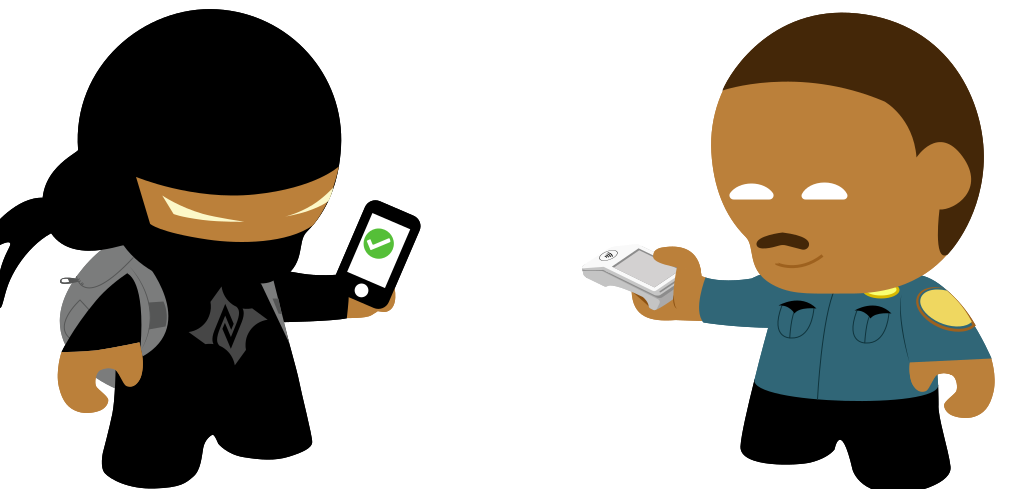
Real-time validation
Tap a pass to a codeREADr terminal and instantly see whether it’s active, already redeemed, or expired — with a clear, customizable on-screen result for every outcome.
Works without a connection
Keep validating even when the network drops. Taps are captured on the terminal and sync automatically once you’re back online — ideal for gates, festivals, and remote venues.
Flexible redemption rules
Enforce one-time use, multiple taps, or time-based access, and set custom messages for each result — valid, duplicate, or expired — so staff always know what to do.
Certified NFC terminals
Validate on codeREADr-compatible terminals built on VTAP and Zebra hardware. As the wallet pass provider for NFC, PassNinja makes your passes ready to tap — no custom development required.
How It Works
Go from issuing passes to tapping them at the door in three steps.
Create passes
Issue Apple & Google Wallet passes with PassNinja, each provisioned with NFC for tap validation.
Connect codeREADr
Pair PassNinja with codeREADr and pick a validation policy — one-time, multi-use, or time-based access.
Tap & validate
Tap the pass on a codeREADr terminal (VTAP or Zebra). It validates against your data and shows the result instantly.
Popular use cases
Ready to validate passes with codeREADr?
Let’s discuss how PassNinja and codeREADr can power fast, reliable pass validation for your events and venues.
Start a conversation